01 / 03
Review tax details before issuing a bill
Confirm your registration details, the service classification and the tax treatment with your accountant. Check the app fields against the invoice particulars your business is required to show.
Android guide
A taxi bill generator with GST needs to match the legal and tax position of the billing business. A configurable tax field does not, by itself, establish which GST treatment applies to a journey.
01 / 03
Confirm your registration details, the service classification and the tax treatment with your accountant. Check the app fields against the invoice particulars your business is required to show.
02 / 03
TaxiCabBill supports configurable invoice and tax details, but this page does not promise automatic GST compliance, e-invoice registration or return filing. Do not apply a tax rate solely because it appears in a template.
03 / 03
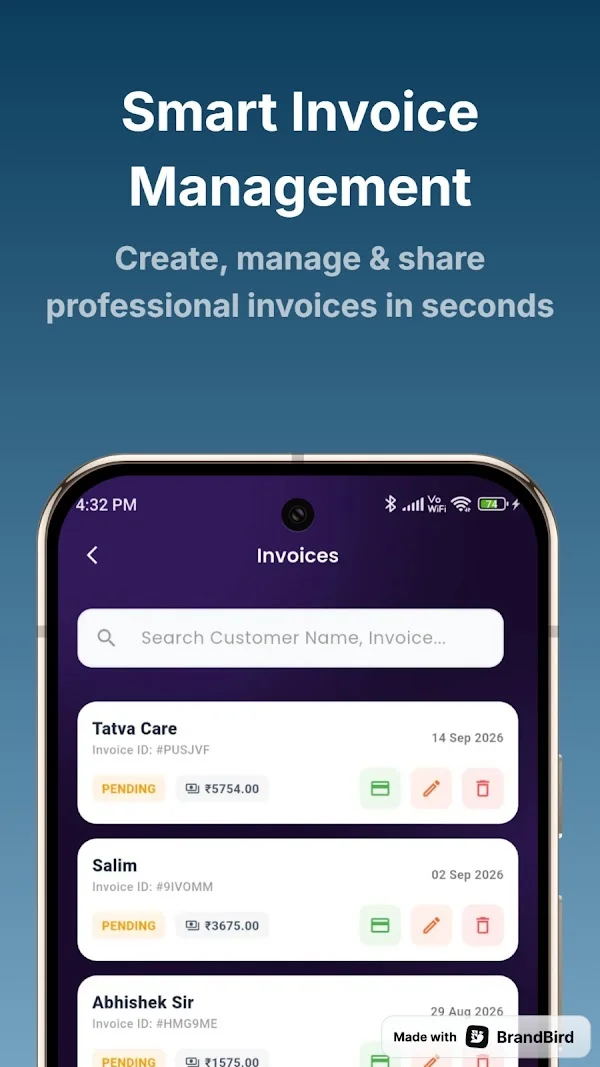
Use one completed journey to evaluate the app. Follow its setup and invoice tutorials, check business details and compare the saved record against the original trip information. Correct missing or inaccurate details before sending a document to a customer.
Review the dashboard and search invoice history as part of your close-out routine. For PDF invoicing and sharing, check the yearly premium subscription in the current app. Keep the supporting documents required by your own business and accounting process.
Straight answers
Confirm your registration details, the service classification and the tax treatment with your accountant. Check the app fields against the invoice particulars your business is required to show. TaxiCabBill supports configurable invoice and tax details, but this page does not promise automatic GST compliance, e-invoice registration or return filing. Do not apply a tax rate solely because it appears in a template.
No. These pages explain the Android app. Install TaxiCabBill through its official Google Play listing, review the current plan and use the app to prepare your documents.
Advanced PDF invoicing and sharing are listed under the yearly premium subscription. Check current access and plan terms in the app; this guide does not promise unlimited free exports.
Available on Android
Install from Google Play, set up your business profile and check current plan details in the app.